
 STINGER PRACTICE
The desk around the systems your practice already has.
Practice runs the front office of a medical practice: the day, registration, forms, claims, the day book, supplies and the phone queue. Annabelle runs every control a person can also press. She does not practice medicine.
Please read. Practice is office software, not medical advice, and it is not a substitute for a clinician's judgment. Annabelle is an AI and can be wrong. Check anything that matters before you rely on it.
What Practice does
Here is what Practice does.
- Matches each RXNT chart to one Weave contact, and when a patient confirms by text in Weave, writes "confirmed" back to the RXNT appointment. Sends a recall to Weave once.
- Runs the day board: arrive, room, check out and no-show, with the time, provider, room and reason for each visit. Books a return visit into the first open time on the day you name.
- Tracks the four forms (privacy acknowledgment, consent to treat, assignment of benefits, release of information) as needed, handed over or signed, and records each signature with the time.
- Checks coverage with the payer and marks self-pay patients.
- Queues reminders, recalls and form or statement notes by text or email, only for patients who said yes, in fixed templates. Logs a voicemail as a callback slip.
- Builds the claim from the coding worksheet, checks it for common rejection reasons (codes locked, benefits assigned, coverage, member id, date of service, diagnosis pointers, onset date), then records acceptance and posts the payment. Issues a patient statement for self-pay.
- Keeps the day book: posts a paid claim to the insurance line once, records deposits you name, and totals the day.
- Counts supplies by room against par, flags anything under par, and tells you to pull expired stock.
- Moves imaging exams, lab orders, referrals and prior authorizations one step at a time. An MR waits until its authorization is approved.
- Quotes a reference shelf of dated notes on screening, vaccines, three common drugs, billing rules and the forms.
Live
Open Practice.
The app is running on a made-up practice named Harbor Light, so you can try every desk without a real patient on it.
Where it started
RXNT and Weave, in one program.
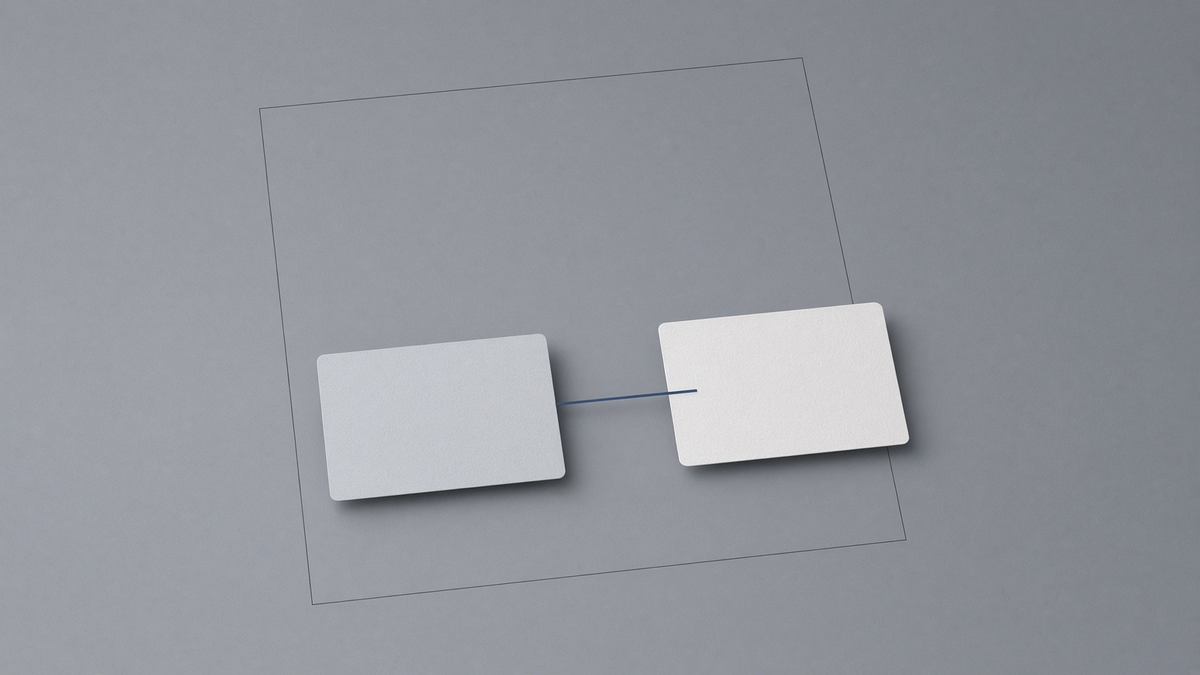
The diagram shows an appointment passing between two systems. It illustrates the intended office handoff, rather than a captured live transfer.
A working doctor told us the two programs the office pays for do not talk. RXNT holds the chart. Weave holds the phone and the text confirmation. Practice opens that pair first. When a patient confirms by text on Weave, the pass writes the confirmation back to RXNT as a status, once. If a patient has two Weave contacts, Annabelle will not pick one; a person does. If there is no contact, she does not make one up. The log keeps the status, not the chart.
What is on the desk
One desk for the front of the house and the back office.
RXNT and Weave
The connector between the chart system and the phone system. A patient’s text confirmation in Weave becomes a confirmed appointment in RXNT.
Explore RXNT and Weave →
The day
The clinic schedule for the day: book, arrive, room, check out, no-show. She will not check out someone who never arrived.
Explore The day →
Registration and forms
Registration and the four signed forms. She records a signature when you say the person is present. A release needs a name.
Explore Registration and forms →
Phone queue
Reminders, recalls and notes by text or email, only after the patient said yes. Every message is a fixed, non-clinical template.
Explore Phone queue →
Claims
The coding worksheet and the claim. She checks it for problems before it can go, and will not choose a code for you.
Explore Claims →
Day book
The practice’s day book beside the claims. A payment posts only from a claim that is already paid. A deposit posts only for the amount you name.
Explore Day book →
Supplies
Clinical supplies by room, counted against par, with expiry dates. An expired kit is pulled, not used.
Explore Supplies →
Imaging, lab, referrals, prior auth
Four worklists that move one step at a time: imaging exams, lab orders, outbound referrals and prior authorizations.
Explore Imaging, lab, referrals, prior auth →
Reference shelf
A shelf of dated notes that Annabelle quotes. Each note says it is not an order and to confirm the current source.
Explore Reference shelf →
What your team connects
The desks are built. The accounts are yours.
Your EHR, your phone system, a text and email carrier, a claims clearinghouse, and a bank if you want one. Until those are connected, Practice queues, records and posts on its own books. It does not pretend a message went out or a deposit reached a bank.
Sign-in
The same sign-in as Command Center.
Staff use the same Stinger sign-in as Command Center. Signing in opens that person’s Firm portal, Practice, or House.
Pricing
Same plans, same checkout as Command Center.
Practice is bought the same way as the rest of Stinger, on the Command Center tiers. There is no separate Practice price.
Security & records
Who can see what, and who looked.
An encrypted store, scoped to your practice
Practice stores patient and appointment records encrypted on the server, limited to your practice; it needs the practice's storage key and staff sign-in set up first.
Multifactor sign-in, role-scoped fields
Staff sign in with multifactor, and front desk and billing see fewer fields than owner and provider.
A searchable access log
Every record access is logged, and emergency access is time-limited, needs a reason and is flagged for review.
Amendments, disclosures and exports on the file
Record amendment requests, disclosures and patient data exports on the file. This supports your process; it is not a compliance certification.
Front desk
From booking to checkout, with the paperwork attached.
Encrypted documents, signed links
Documents are stored encrypted and opened by signed link, and a retention setting lets eligible expired records be purged.
The front-desk board
The front-desk board follows a visit from booking to checkout and tracks ID, card and form intake; sample people are for demonstration.
Consent and fee tracking
Track which consent and release forms were handed and signed, and record an accepted fee estimate.
Billing & clinical worklists
Claims, imaging, labs and supplies, all on the desk.
A claim worksheet
The billing desk walks a claim through coding, scrub, statement and payment states locally; no claim is sent to an insurer from this screen.
Imaging, lab and referral worklists
Move imaging, lab and referral work through its states and record prior-authorization numbers; it does not interpret studies.
Supply tracking
Track office supplies, see what is low or expired, and block use of expired stock.
Reference & connections
A reference shelf with refusals built in.
A reference vault, with refusals
Search the reference vault or ask a reference question; Annabelle will not diagnose, prescribe or interpret results.
Appointment confirmation relay (demo)
A demonstration of appointment matching and confirmation relay; a person picks an ambiguous match, and no outside system is connected yet.