
STINGER PRACTICE
RXNT and Weave
Many offices keep the chart in RXNT and the phones and patient texts in Weave. The two do not share a patient id, so when a patient confirms by text in Weave, someone has to retype it into RXNT. This connector does that step for you. It matches each RXNT patient to their Weave contact, then carries the confirmation across.
What it does
Here is what it does.
Who it is for: For the front desk of an office that already pays for RXNT and Weave and confirms appointments by text.
- Matches each RXNT chart to one Weave contact. A matched patient shows as matched. A patient with two possible Weave contacts shows as a conflict. A patient with no Weave contact shows as unmatched.
- Reads the RXNT patient, coverage and appointment, and the Weave contact and appointment, for every matched patient on each pass.
- When Weave has a text confirmation and RXNT still says unconfirmed, it writes "confirmed" back to that RXNT appointment.
- Sends a recall (for example an annual wellness visit) to Weave as a recall campaign, once. A later pass does not send it again.
- Shows a running count: matched, conflicts, unmatched, and confirmations waiting to be written back.
- Keeps a log of every call with the method, address, status, time taken and a pass id. No name, date of birth or chart text is in the log.
How it works
- A patient replies "yes" to the Weave reminder text.
- You press Run the pass, or tell Annabelle "run the pass."
- The pass reads each patient from RXNT, finds their Weave contact, and compares the appointment in both systems.
- Where Weave is confirmed and RXNT is not, it writes the confirmation into RXNT. Anyone with two possible contacts is skipped and left for you.
- You pick the right Weave contact for that patient, and the next pass carries their confirmation across.
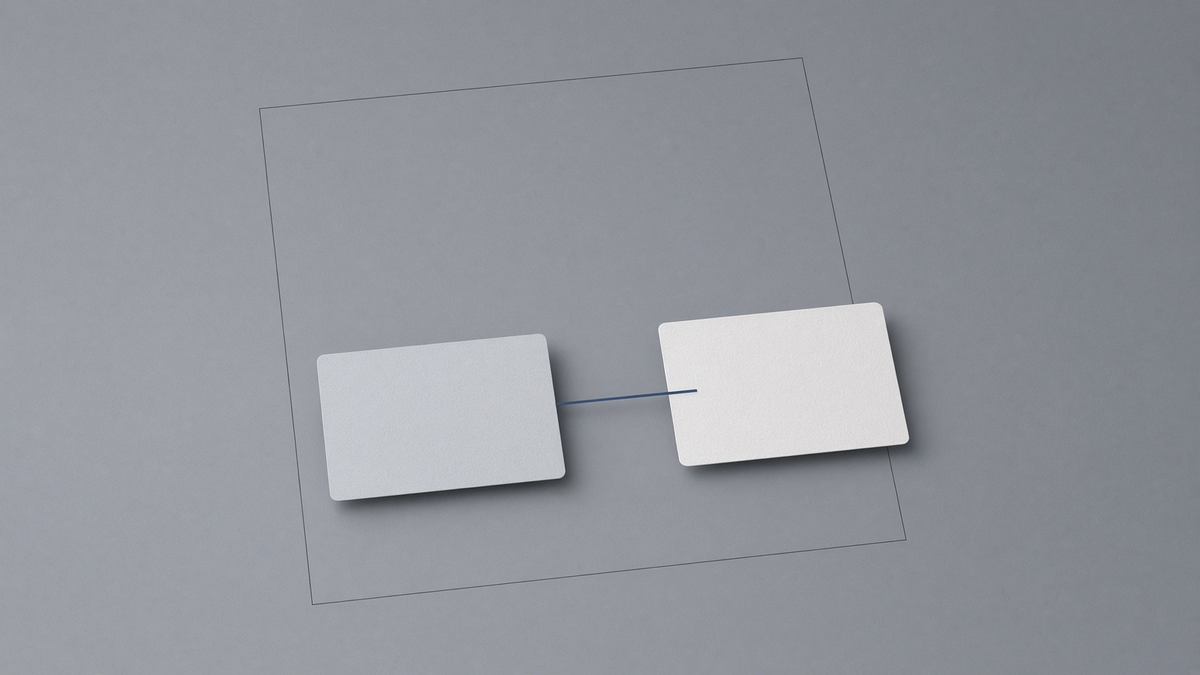
The diagram shows an appointment passing between two systems. It illustrates the intended handoff between office tools, rather than a captured live transfer.
The connection
RXNT ⇄ Weave
- What it connects
- RXNT, the chart and scheduling system (read through its FHIR interface), and Weave, the phone and patient-text system (through its partner interface).
- What moves
- From RXNT: the patient, coverage and appointment. From Weave: the contact and the text confirmation. Into RXNT: the appointment status "confirmed". Into Weave: a recall request. The pass keeps nothing it read.
- What you do
- Run the pass (or ask Annabelle). Pick the right Weave contact when a patient has two. Nothing else.
- What happens on its own
- Matching, the write-back of confirmations, sending a recall once, and the call log.
- What it needs
- The office’s RXNT and Weave accounts, connected by your team with scoped access, and a signed business associate agreement with the office and with the host. None of these is in place yet. Today the pass runs on a made-up practice, Harbor Light.
Sign-in
One sign-in.
Staff use the same Stinger sign-in as Command Center. Signing in opens that person’s Firm portal, Practice, or House.
Please read
- Demo data: today it runs on a made-up practice, Harbor Light, not on a real RXNT or Weave account.
- RXNT stays the medical record.
Please read. Practice is office software, not medical advice. Annabelle does not practice medicine. Your EHR stays the medical record. Annabelle is an AI and can be wrong. Check anything that matters before you rely on it.