
STINGER ROUTE OPTIMIZER
The day's driving route, built for you.
Route Optimizer builds the day's driving route across all your stops, in the shortest driving order. The stops come from the jobs you already have scheduled.
What it is
The day's route, planned across every stop.
Route Optimizer turns the day's scheduled stops into the shortest driving order.
What it does for you
Plans the whole day
It orders every stop into one driving route instead of a technician working it out on the fly.
Shortest driving order
Stops are ordered by distance, so the route is the sensible loop, not the order jobs were entered.
Uses the jobs you already have
Stops come from the jobs and customers already in your system, so there is nothing to retype.
Real screen
A real planned route.
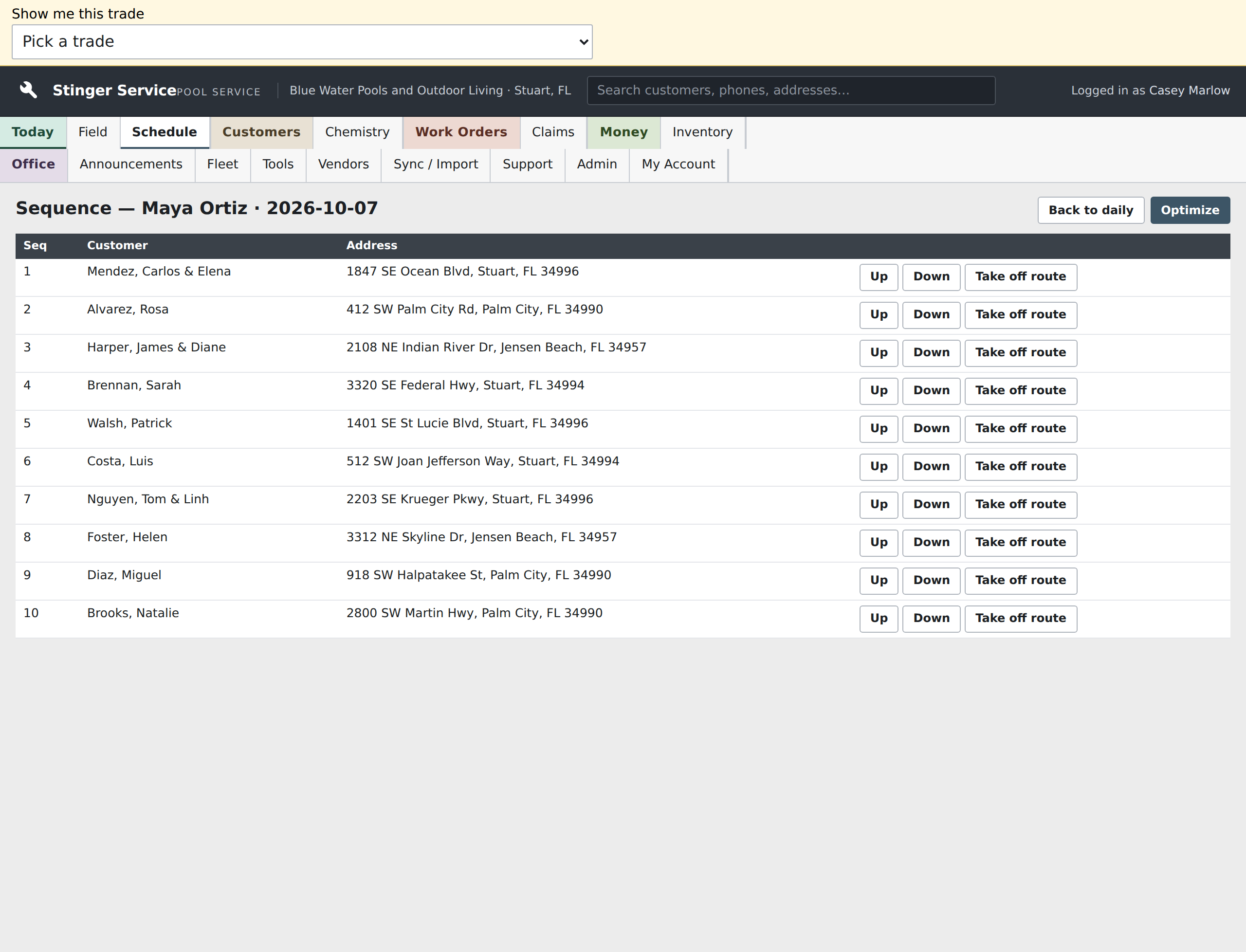
Maya Ortiz’s October 7 route lists ten seeded customer stops in sequence with their addresses. The dispatcher can review the order here before opening the daily sheet or using Optimize.
Included
Included with every Command Center tier.
How it compares
Route Optimizer against Google Maps and route tools.
Google Maps is free and great for one trip, but you add stops by hand and it is not built for a crew's day. Dedicated route tools plan multi-stop days but charge per driver and need you to import your stops. This is built into the system that already holds your jobs.
| Feature | Route Optimizer | Google Maps | A dedicated route tool |
|---|---|---|---|
| Builds the whole day's driving route across all the stops | Yes | no: one trip at a time, add stops by hand | yes: multi-stop route planning |
| Plans the shortest driving order across your stops | Yes | No | Varies; not a standard feature |
| Built into the system that already has your jobs and customers | Yes | No | no: separate app, import your stops |
| Extra per-driver subscription | Included with every Command Center tier | Free | Per-driver monthly plan |
Competitor figures from vendor pages, 2026-09-06. Verify before treating as evergreen.
Get started