
 STINGER LIVE CALL ASSIST
The next thing to say, on screen, mid-call.
While your person is on the phone, Annabelle reads the customer's file and puts the next thing to say on the screen. Your person stays in control of the call.
What it is
On-screen help for the person taking the call.
As the call happens, Annabelle reads the customer's record and suggests what to say next.
What it does for you
Reads the file for them
Annabelle pulls up the customer's history so your person is not searching while the customer waits.
Suggests the next line
The next useful thing to say appears on screen, in the moment, as a prompt.
Your person stays in charge
It is a suggestion for the person on your side, not a script the customer hears.
Reads the caller's tone
Reads the caller's tone: pace, pitch, and pauses, into one hesitation score on the screen mid-call, live on this console. Live Call Assist opens to customers after the consent sign-off.
Consent, captured up front
Nothing records until the other party consents. Live Call Assist tells them what's being recorded before the call starts, and only then does the transcript and the suggestions begin.
Written up when the call ends
A summary of the call is written the moment it ends, with the session added to your analytics across every call your team takes.
A full voicemail studio
Build and manage greetings in one place: pick a voice, generate a greeting, preview it, and choose which one plays for callers.
On screen
The call, with the answer beside it.
While the call is live, the transcript builds on one side and Annabelle's suggestions sit on the other: what to say next, drawn from the customer's own record. Your person decides what to actually say.
Live Call Assist, on a real call
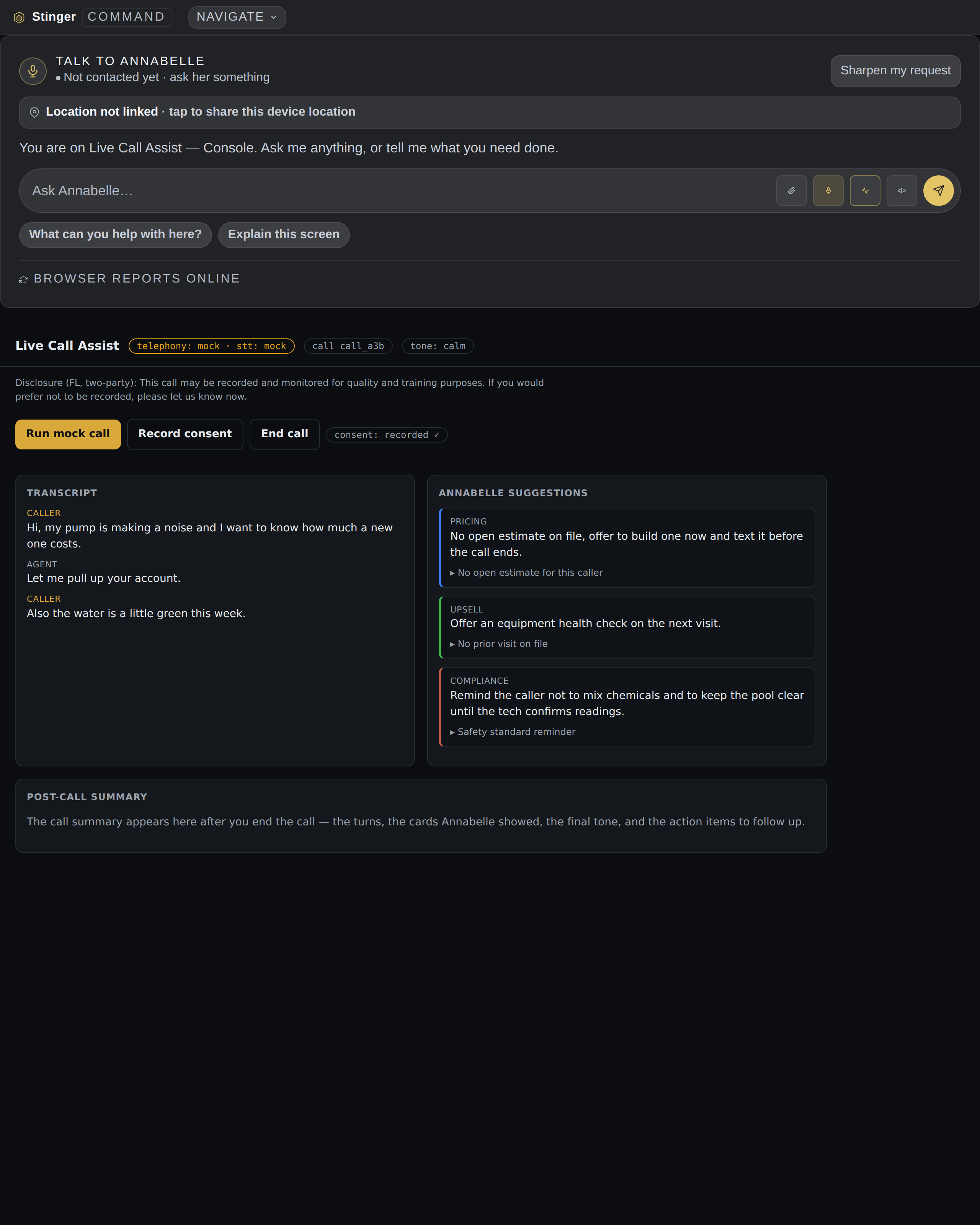
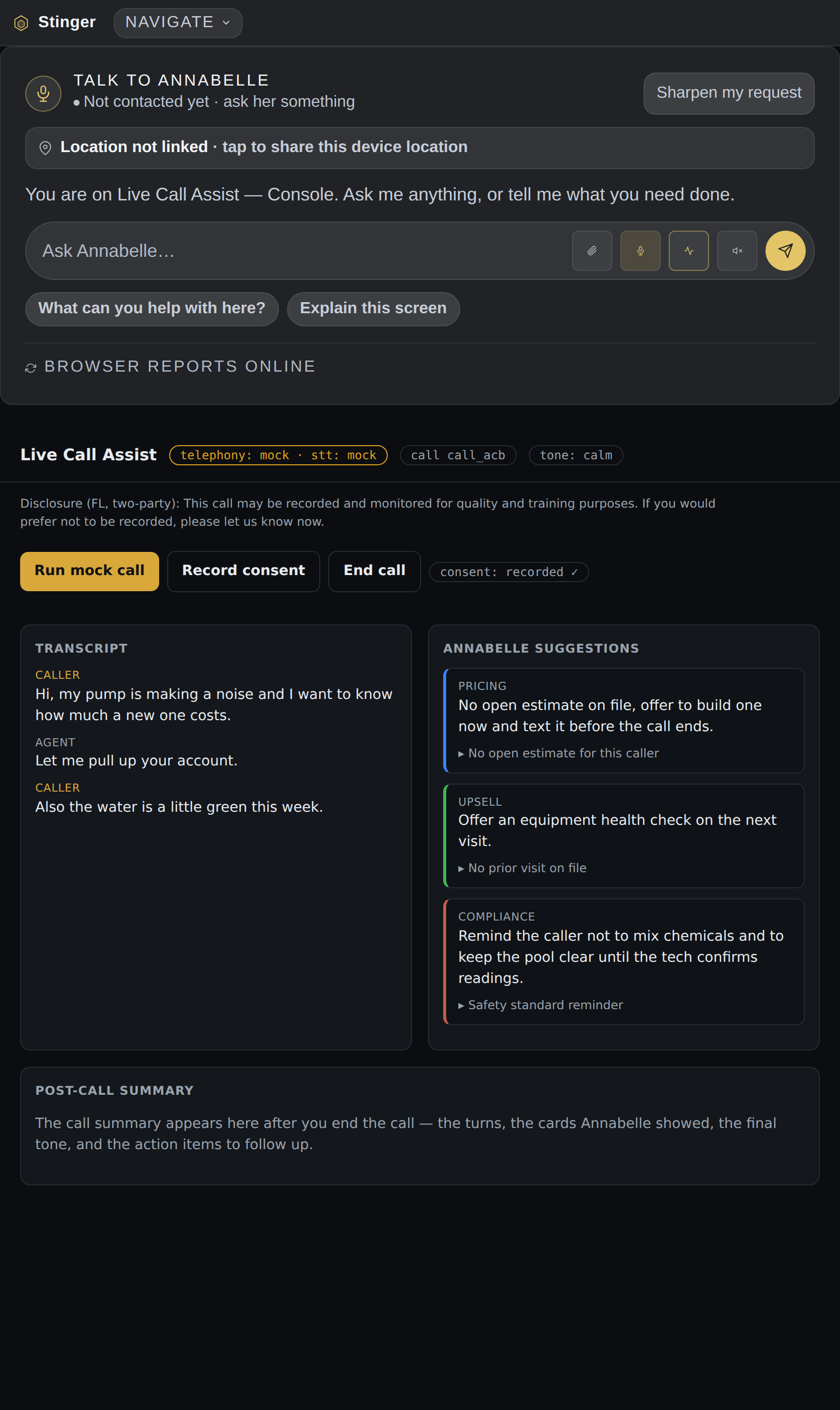
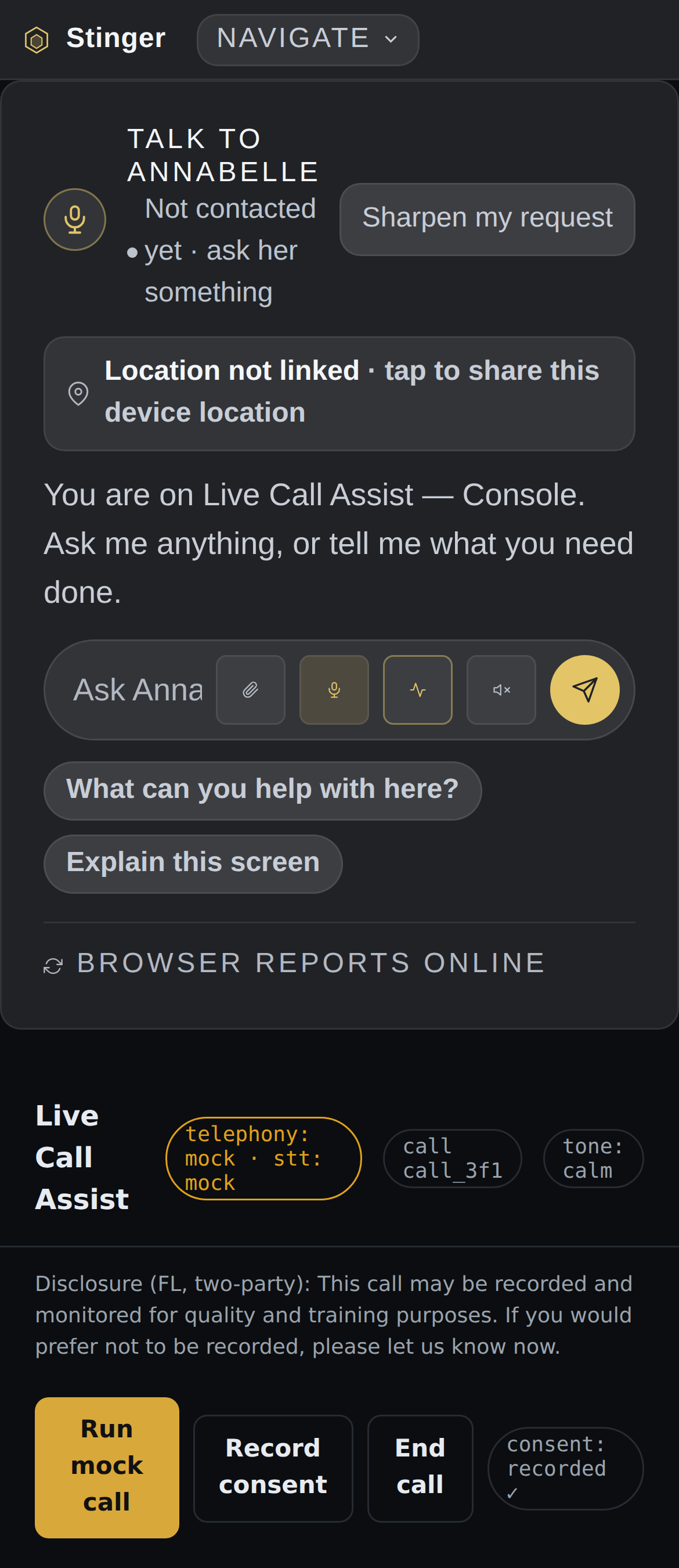
Shown with the mock call provider; live telephony connects when your Twilio number and transcription key are wired.
Included
Included with every Command Center tier.
How it compares
Live Call Assist against a call-coaching tool.
Call-coaching tools show live cue cards too. The difference here is that Annabelle is reading the customer's own file from the system that already runs your business, and it comes with your Command Center tier rather than as a separate per-seat product.
| Feature | Live Call Assist | A typical call-coaching tool |
|---|---|---|
| Reads the customer's own file during the call | Yes | Focused on live transcription and scorecards, not your customer record |
| Puts the next thing to say on screen for your person | Yes | Real-time cue cards / battlecards on some plans |
| Built on the same assistant that runs the rest of your business | Yes | Standalone coaching product |
| Extra per-seat subscription | Included with every Command Center tier | Per-seat plan, priced separately |
Competitor description drawn from public product pages, 2026-09-06. Per-seat pricing varies by plan; verify before treating as evergreen.
In House
How Live Call Assist runs inside House.
In House, Live Call Assist answers the front desk line when nobody can pick up: a room request, a banquet inquiry, a wake-up call logged and handed to staff. House opens from Command Center.
During the call
Consent, controls, coaching and the customer's record.
Opt-out stops assistance mid-call
If the other person opts out mid-call, assistance stops and the opt-out is sent to the backend.
Answer, decline, mute, hold, transfer
The desk has answer, decline, mute, hold and transfer controls; they track the call on screen and do not prove carrier control.
Coaching cards and trade questions
Coaching cards, talk-time balance and trade-specific questions appear during the call, and you can note likely causes yourself; it does not work out the cause on its own.
Customer, equipment and visit lookup
Look up a customer's equipment and visits and your trade playbooks during the call, and keep desk notes.
A draft work order from the call
A call can become a draft work order, and the screen shows separately whether the other system accepted it.
After the call, and connecting out
Proposals, office systems, wrap, and the earpiece.
A proposal from what you pick
Build a proposal from lines you pick or an unpriced recommendation, keep it as a draft and open an email for it.
Adapters for named office systems
Call results can be mapped to the office system you use, from a list of named systems or a webhook; without your credentials the result is only simulated.
Wrap, history, export or purge
Finish each call with an outcome, callback time, assigned technician and note; review graded coaching, and export or purge your call history.
A local record, not a charge or a text
The desk keeps appointment slots and a ledger of payments, estimates and texts as records; it does not charge a card or send the text.
Monitor and earpiece windows, spoken aloud
Open a monitor or earpiece window and have suggestions and consent cues spoken aloud.
Get started