
STINGER ANNABELLE
Talk to her like a person. She handles the rest.
Annabelle is the assistant across every Stinger screen. You say what you want in plain words. She rewrites it into a clear instruction in your business's own terms, then puts the right specialist on the job.
What it is
An assistant you talk to like a person, with no commands to learn.
Annabelle sits on top of every Stinger tool. You do not learn her language; she learns yours.
What it does for you
No commands to learn
Say what you want in plain English. There is no syntax and no menu of magic words to get right.
She sorts out the wording for you
Before she acts, she rewrites what you said into the clearest version of that instruction, in your business's own terms, so the work starts from a good brief.
She sends each job to the right tool
She routes each request to the tool built for it, estimating, bookkeeping, routing, and brings the result back to you in one place.
Answers in your visitor's language
When a customer writes or speaks to her in another language, she answers back in theirs.
Asks before guessing
When a request is ambiguous, she asks a short clarifying question instead of guessing.
Remembers your business
She keeps a running notebook on your business and reads it before she answers, so she isn't starting from nothing every time.
Annabelle, on your screens
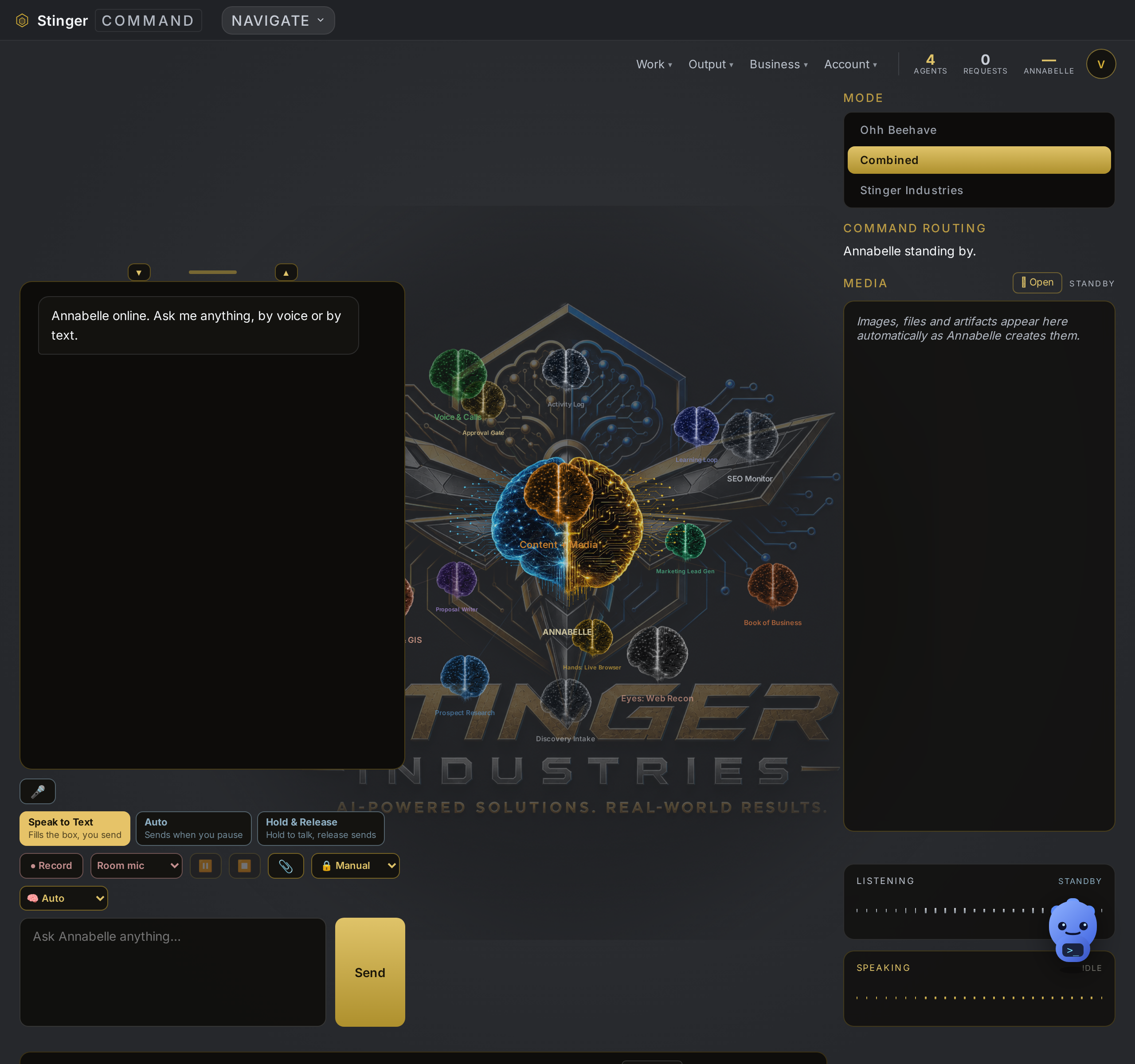
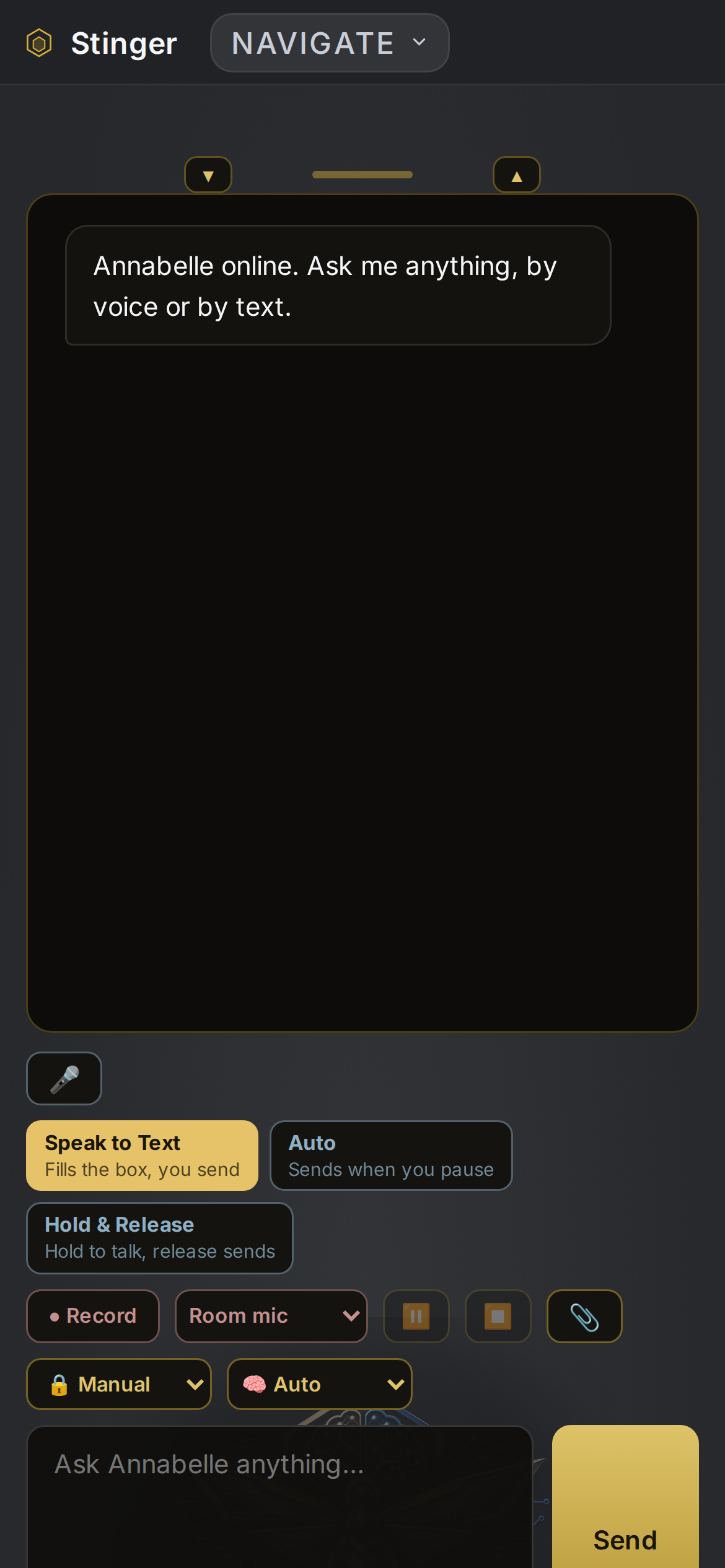
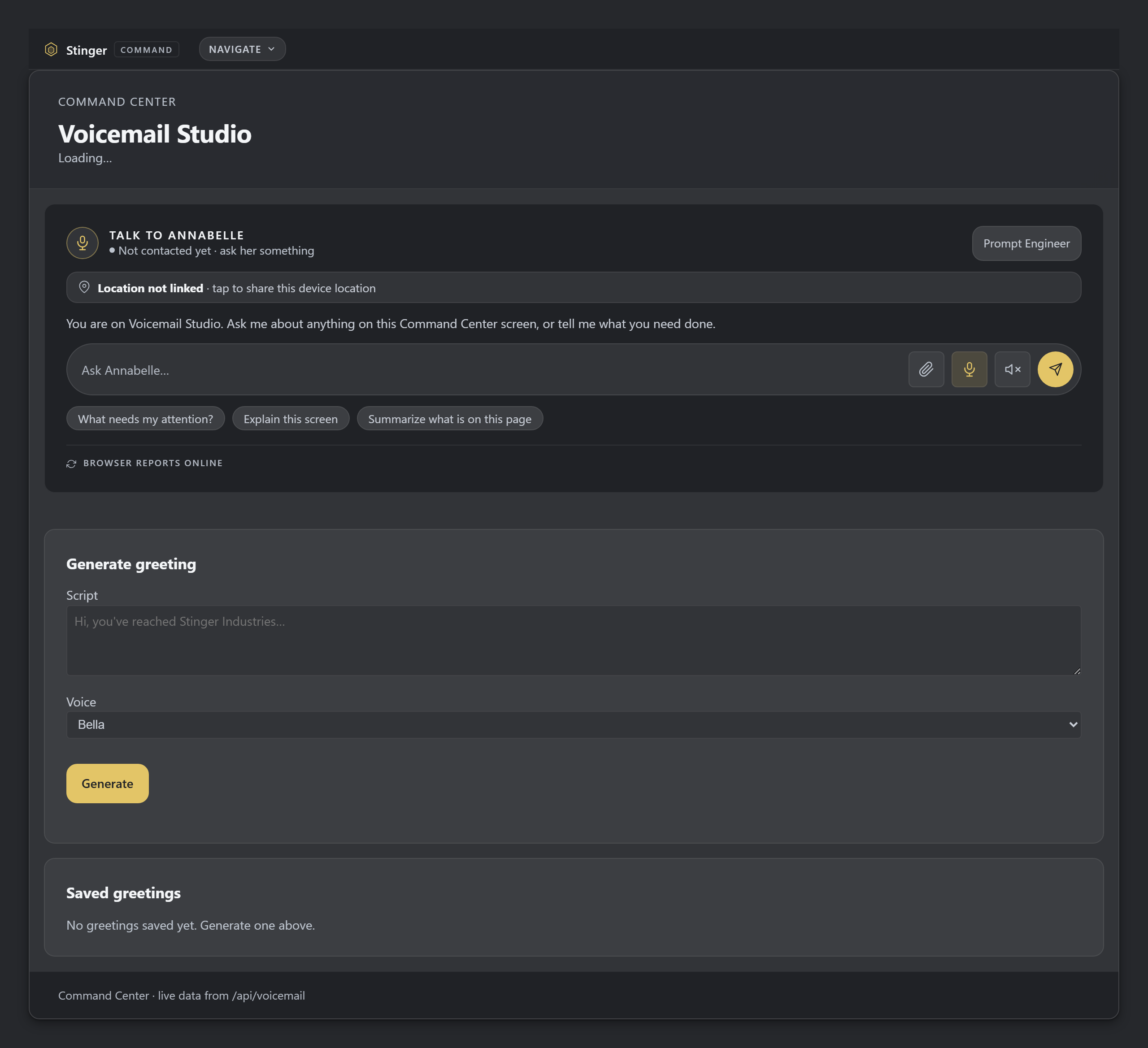
Annabelle's live answer to a plain request needs a real chat session, so it is not shown here; the box you talk to is real.
Included
Included with every Command Center tier.
How it compares
Annabelle against a general AI assistant.
A general assistant works better the better you get at writing prompts. Annabelle does that step for you, rewriting what you said into a clear instruction first, then routing it to the right specialist that already knows your business.
| Feature | Annabelle | A general AI assistant |
|---|---|---|
| You talk in plain words, with no prompt-writing to learn | Yes | You get better results by learning to write prompts |
| Rewrites your request into a clear instruction in your business terms first | Yes | no: it acts on the words you typed |
| Routes the work to the specialist tool built for it | Yes | One general model answers everything |
| Knows your business, customers and jobs already | Yes | Starts from a blank slate each time |
Competitor description drawn from common product behavior, 2026-09-06. Verify before treating as evergreen.
In House
How Annabelle runs inside House.
In House, Annabelle answers from what is on the board tonight: which outlet runs short, what's in the walk-in, when the wedding's guarantee is due. Opt-in and off by default.
Talking to Annabelle
Controls while she works.
Stop anytime
You can stop Annabelle mid-reply at any time.
Approval cards
Anything that sends, charges or changes records waits on a card for your yes or no.
Watch her work
You can watch the steps Annabelle reports as she works; check the result, since a step shown is not proof it finished.
Stays on your program
Inside a program, Annabelle stays on that program and can answer about the record you have open.
Files, settings and search
Files Annabelle makes show up as links, and you set text size, theme and speech to suit you.
Humanizer
Annabelle can rewrite text in your voice, keeps your original, lets you undo, and explains when she declines to change a fact.
Publishing pace
You set how often posts go out, see the plan, and confirm before it starts or stop it.
Memory, hers and yours
You can see what Annabelle remembers, correct it, or ask her to forget it.
Office work
Time, leads and the calendar.
Time clock
Annabelle clocks people in and out, shows who is on the clock and summarizes timesheets.
Leads and customers
Annabelle logs leads, moves them through stages, converts them to customers and reports on lost deals.
Calendar
Annabelle checks your calendar, books, moves and cancels appointments, with booking waiting on your approval.
Phone calls
With a connected phone number, Annabelle can place a call after you approve it and summarize recent calls.
After the call
After a call, Annabelle can propose a work order from what was said, for your approval.
Field and jobs
Jobs, quotes and the route.
Construction and crew jobs
Annabelle creates and updates jobs and stages by voice or text.
Service quotes
Annabelle writes service quotes, tracks accepted ones and turns them into jobs.
Pricebook
Annabelle keeps your pricebook current: add, change or remove items with your approval.
Route work
Annabelle plans today's route and proposes emergency dispatches that you confirm.
Pool visit logging
Annabelle logs water chemistry and chemicals used on a visit and bills the visit.
Job photos
Annabelle marks up a job photo and pulls scope lines from it, which you confirm.
Contracts, money and purchasing
Paper and payments she can prep.
Selections and grants
Customers sign selections and addenda, and you can issue or revoke access grants with approval.
Invoicing detail
Annabelle sends invoices in a batch, retries ones that failed to go out, and produces customer statements and an overdue list.
Purchasing
Annabelle writes purchase orders and records payments against them.
PDF tools
Annabelle can fill, mark up, search and merge PDFs.
Marketing, events and forms
Campaigns, venues and application forms.
Marketing campaigns
Annabelle imports contacts, builds a campaign and sends a test before anything goes out.
Events and vendors
Annabelle plans a venue layout, keeps the vendor roster and records who is approved and what they paid.
Application forms
Annabelle builds an application form from a template, shows a preview, and publishes it after you approve.
Websites and demos
Annabelle can build a website or landing page and issue or revoke demo codes.
Cloud files
With Dropbox or Google Drive connected, Annabelle can find and save files there.
Account, support and owner tools
Settings, support and the numbers behind the business.
Program and account controls
You can ask Annabelle to open a program or change a setting; changes wait for your approval.
Support and diagnostics
Annabelle can run a health check on the platform and add notes to a support record.
Owner records
Annabelle assembles an investor packet and a value report from your own records.
Ask her what she can do
Ask Annabelle what she can do, how to do something, or what changed recently.
Team room relay
Annabelle can open a Team Room for a hard question and relay messages to it, with sends waiting on approval.
Get started