
STINGER VIDEO STUDIO
A real video editor, in the browser, inside Command Center.
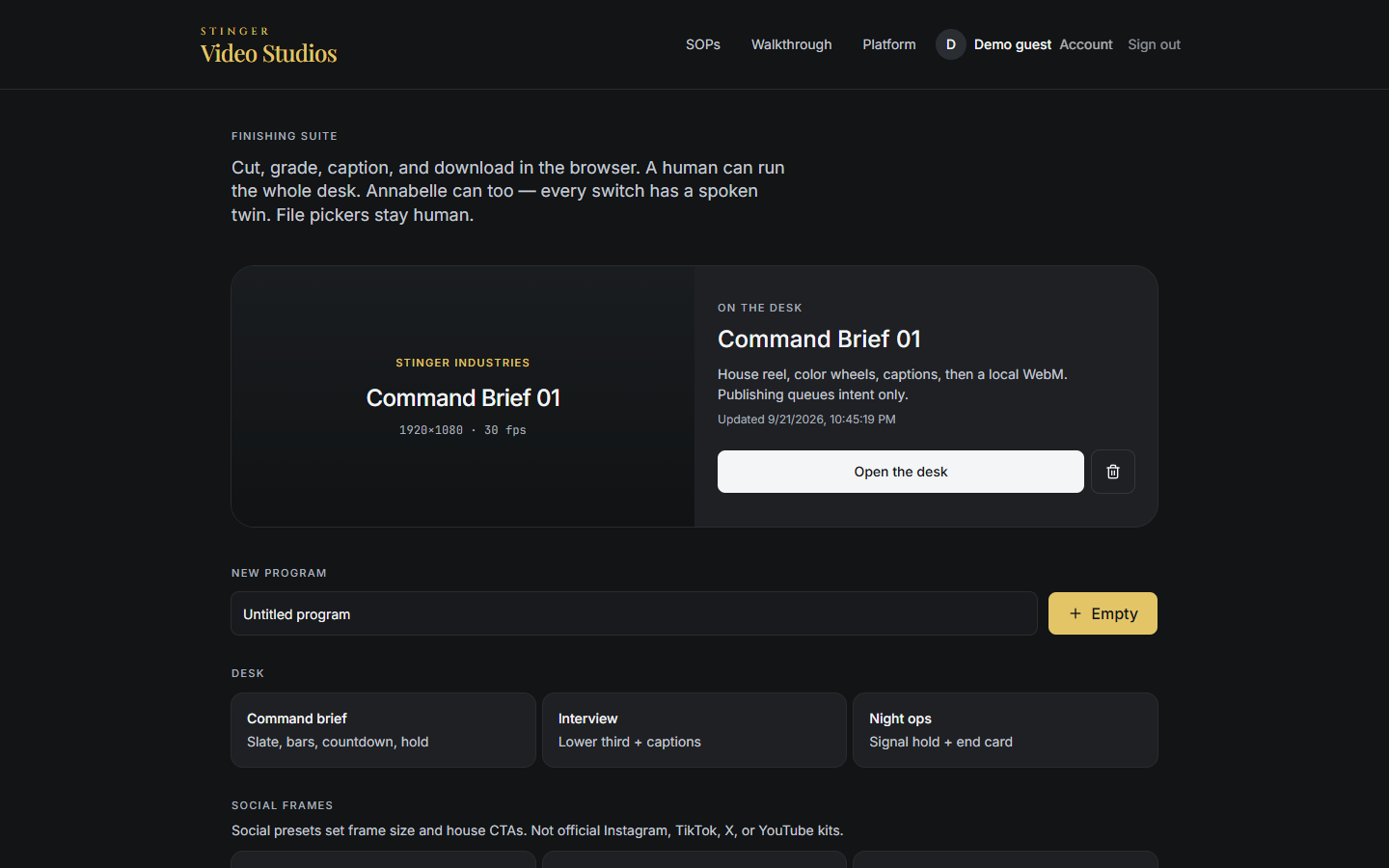
Stinger Cut runs on computer, tablet and phone: packed and magnetic timelines, source tape, match frame, color grading with scopes, an audio mixer, and dual-operator control, where every spoken Annabelle action still has a human confirming it. Stinger Cut, the video editor in your browser, is included with every Command Center plan.
What it does
Packed and magnetic timelines
Two editing styles, both built in, so a project fits the way you actually cut.
Source tape and match frame
Familiar editing tools for finding and matching shots.
Color desk and scopes
Primary grading wheels for the whole program or one clip, a calibration bars-and-tone step, and a luma waveform, RGB parade, vectorscope, and histogram to judge the grade by, not just by eye.
Audio mixer
A three-band EQ and mix presets for voice, music, and radio, with a limiter.
Storyboard
Plan and name scenes before you cut, and place a slate on the timeline.
Stock photo search
Search and pull stock photos into a project without leaving the editor.
Brand kit
Save your brand name, logo, and primary and secondary colors so every export carries them.
Dual operator, Annabelle-assisted
Ask Annabelle by voice or text to add a slate, push in, calibrate with bars and tone, or apply a look; every spoken action still has a human control alongside it.
Captions, transcribed for you
Titles and captions sit on the timeline, and a clip can be transcribed rather than typed out by hand.
Export and publish
Download at a 720p or 1080p cap, or as WebM; transcode to MP4 in the browser; export an EDL, a PNG frame, or a PNG sequence; and queue a publish intent.
Browser exports run up to 3 minutes per video today; the render happens on your own computer, so there is no render farm and no per-minute charge. Longer cuts use the server render below.
The screens
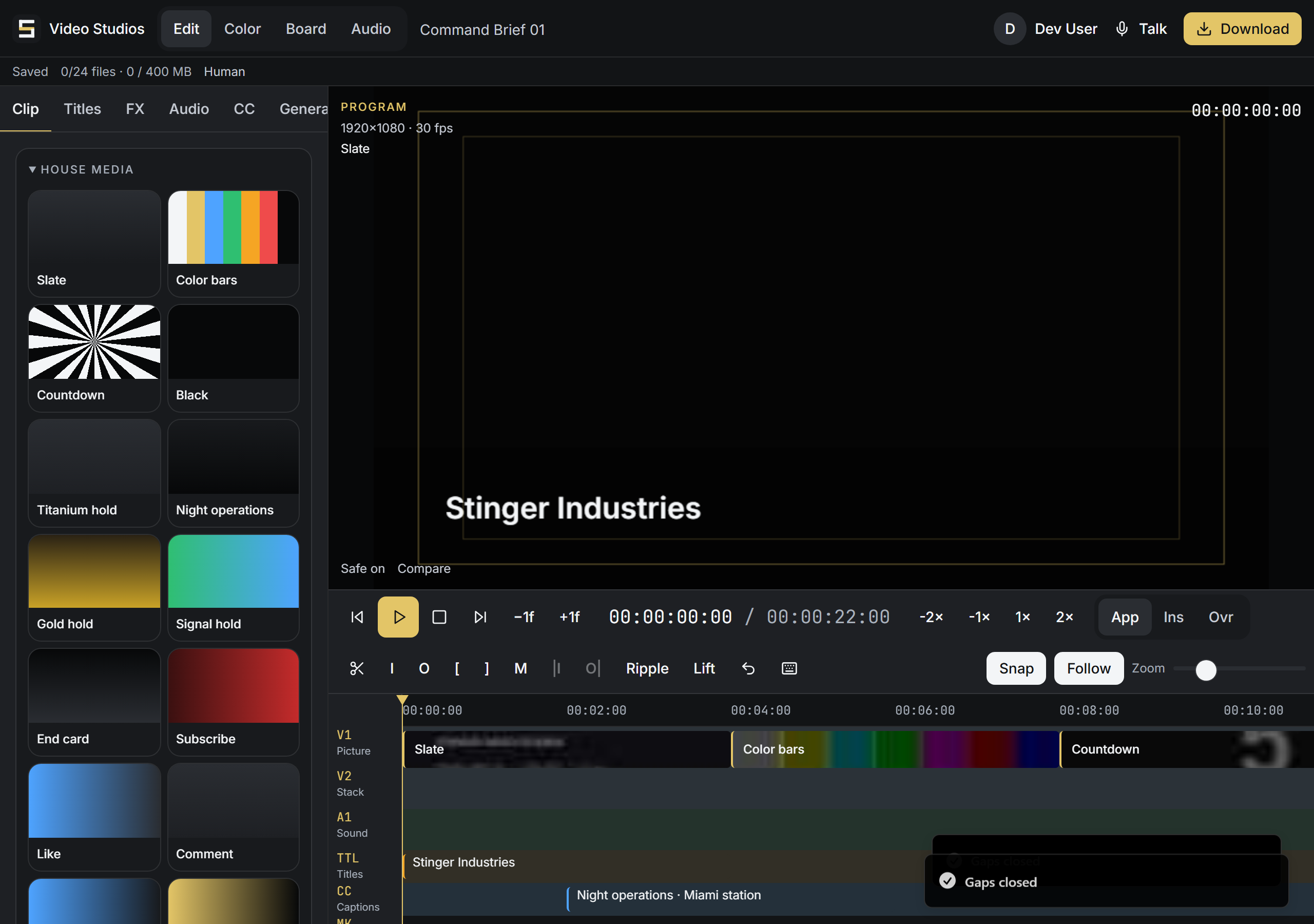
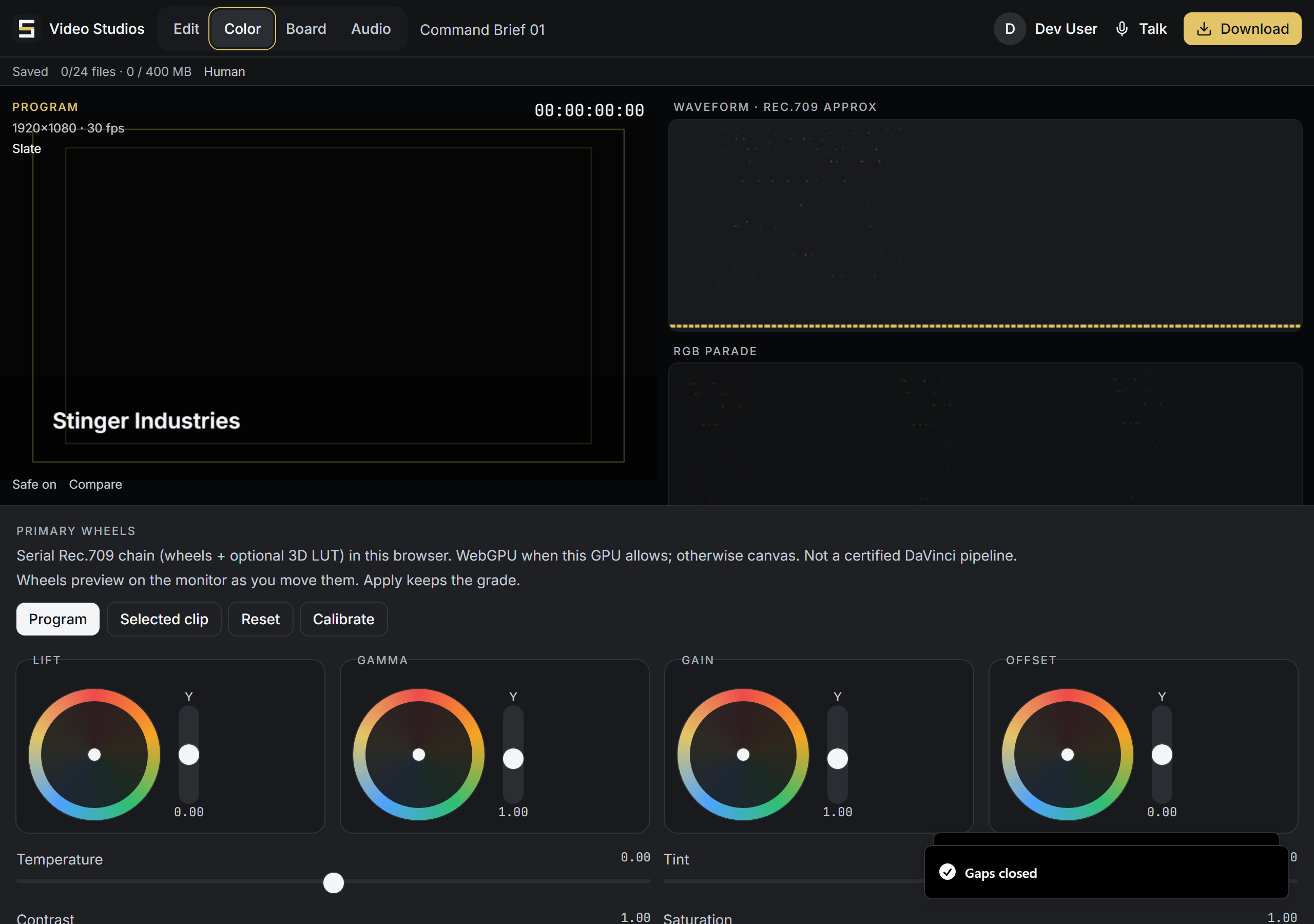
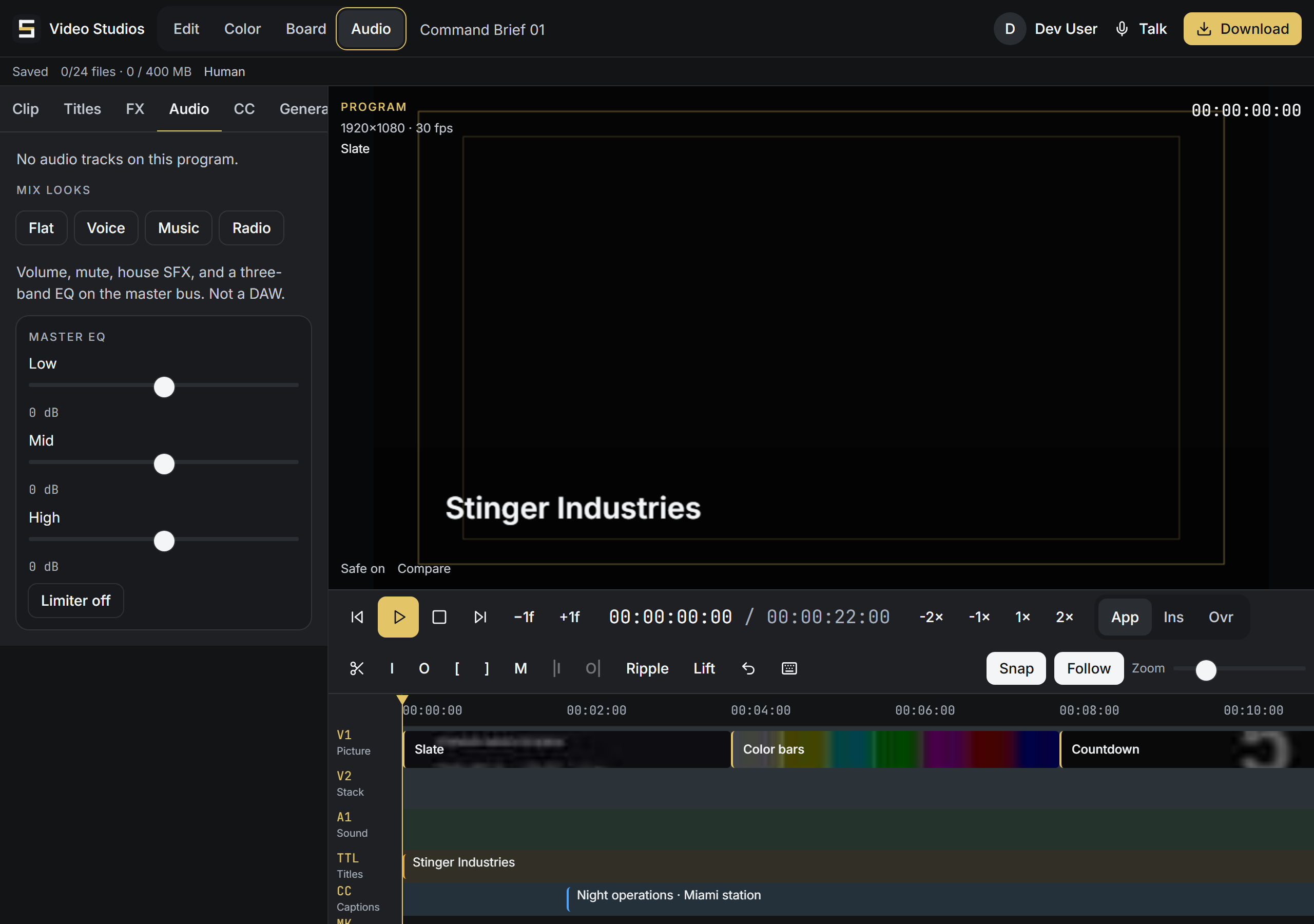
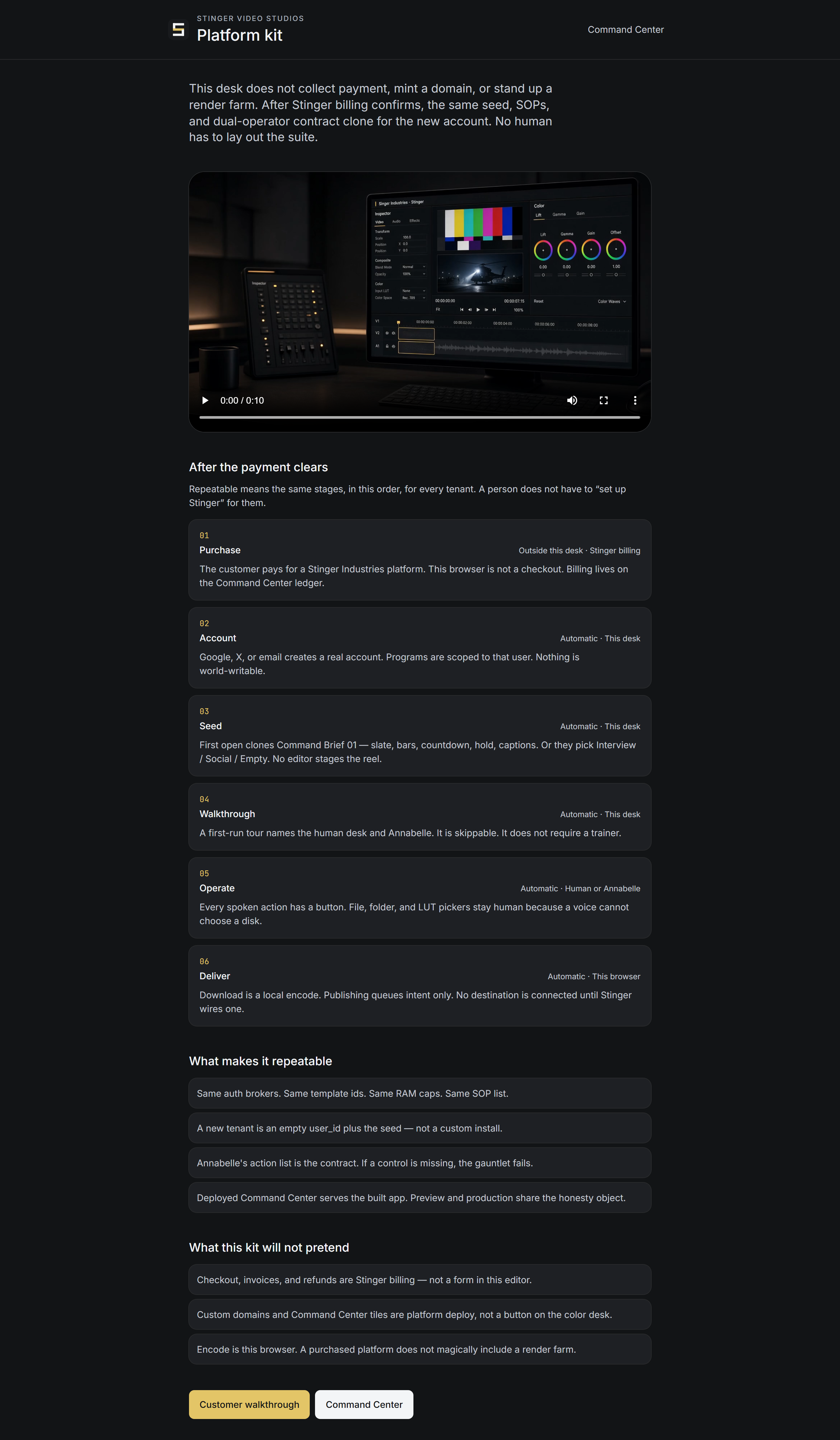

Against DaVinci Resolve and Adobe Premiere
A different job, not a smaller version of theirs.
DaVinci Resolve and Premiere are professional editing suites, built for someone who edits video as the job. Stinger Cut is not trying to be a smaller version of either one. It is the video work a trade business actually needs, done from inside the same system that already holds the job, by asking for it, with a human control next to every spoken action.
| Feature | Stinger Cut | DaVinci Resolve | Premiere Pro |
|---|---|---|---|
| Edit by asking for it in plain words, every spoken action paired with its own manual control | Yes | Not stated on its page | Text-based trim/reorder from a transcript; not a spoken command to a named edit action |
| Built-in slate, bars, countdown, holds and an end card with subscribe/like/follow, ready to drop on the timeline | Yes | Not stated on its page | Not stated on its page |
| Runs in the browser, nothing to install | Yes | Desktop application | Desktop and mobile applications |
| Turns a job record (a banquet recap, a room tour, a finished job) straight into a clip, in the same system that holds the job | yes, inside House and Command Center | Not stated on its page | Not stated on its page |
| Extra cost beyond your plan | Included with every Command Center plan | Free, or $295 one-time for Studio | $22.99/mo single app, or from $34.99-$54.99+/mo bundled |
Competitor facts read from each vendor's own page, 2026-09-21. This is not a claim that Stinger Cut out-edits either program; it is a different job, done inside the business's own system.
Stinger Cut: more from the editor
Beyond the basics, inside the browser editor.
Transitions, overlays and a green screen
Add transitions and overlays, key out a green screen and add motion graphics from a clip's settings.
A deeper audio mixer
Beyond EQ and a limiter, the mixer has fades, pan, voice ducking, a gate, noise reduction, de-essing and compression.
The standard cutting tools
The editor has the standard cutting tools: split, ripple delete, trim, insert, track mute, lock and solo, and snapping.
40-step undo, kept locally
Undo and redo up to 40 steps; your project is kept on your device.
A project you can zip up
Save a project as a single ZIP with its media and reopen it later.
Sequence templates and edit bays
Start from a sequence template, with bays set up for stage and stinger edits.
Stinger Cut: publishing and providers
Where a connected provider or helper takes over.
Generated clips, on request
You can ask for a generated clip and the editor checks until it is ready; it needs a connected provider.
A publish bay that drafts for you
The publish bay drafts the description and tags, can generate a thumbnail and copies the text for you to post yourself.
Faster exports with the desktop helper
If the desktop helper is installed, exports can be transcoded on your computer.
Video Studios: camera, grading and editing
The larger server-rendering product, underneath.
Auto-reframe and multicamera
Auto-reframe picks one crop for a clip, and you can build a multicamera cut; it does not follow a moving subject.
Motion keyframes
Animate position and other settings with keyframes that move linearly, smoothly or hold.
LUTs and GPU grading
Apply LUTs, key out a green screen and grade with GPU help.
Waveforms and loudness
See waveforms and measure loudness as you mix.
Speed, insert, markers
Change clip speed, insert or overwrite from source, and drop markers on the timeline.
Video Studios: render, capture and collaboration
What runs on the server, and what Annabelle queues.
Server rendering, with progress
Exports can render on the server with progress you can follow and cancel; a render worker must be running.
Camera capture, browser media
Record from your camera, keep media in the browser, and transcribe captions with a connected service.
Reusable project templates
Save a project as a template for its structure and start new projects from it; your media is not copied.
SRT in and out
Export captions as SRT and bring in a caption file.
A queue for Annabelle's riskier edits
Risky edits Annabelle proposes wait in a confirmation dialog, and several can wait at once.
Where it lives
Included with every Command Center plan.
Stinger Cut, the video editor in your browser, is included with every Command Center plan.
In House
How Stinger Cut runs inside House.
In House, Stinger Cut turns a banquet recap or a room tour into a short clip for the sales team, without a separate editing tool. House opens from Command Center.